Licensing
Initial Setup
After installing GroundControl VGRS, you can log in through your web browser using the default credentials. Upon first login, you will automatically be redirected to the Licensing page, as no license has been added yet.
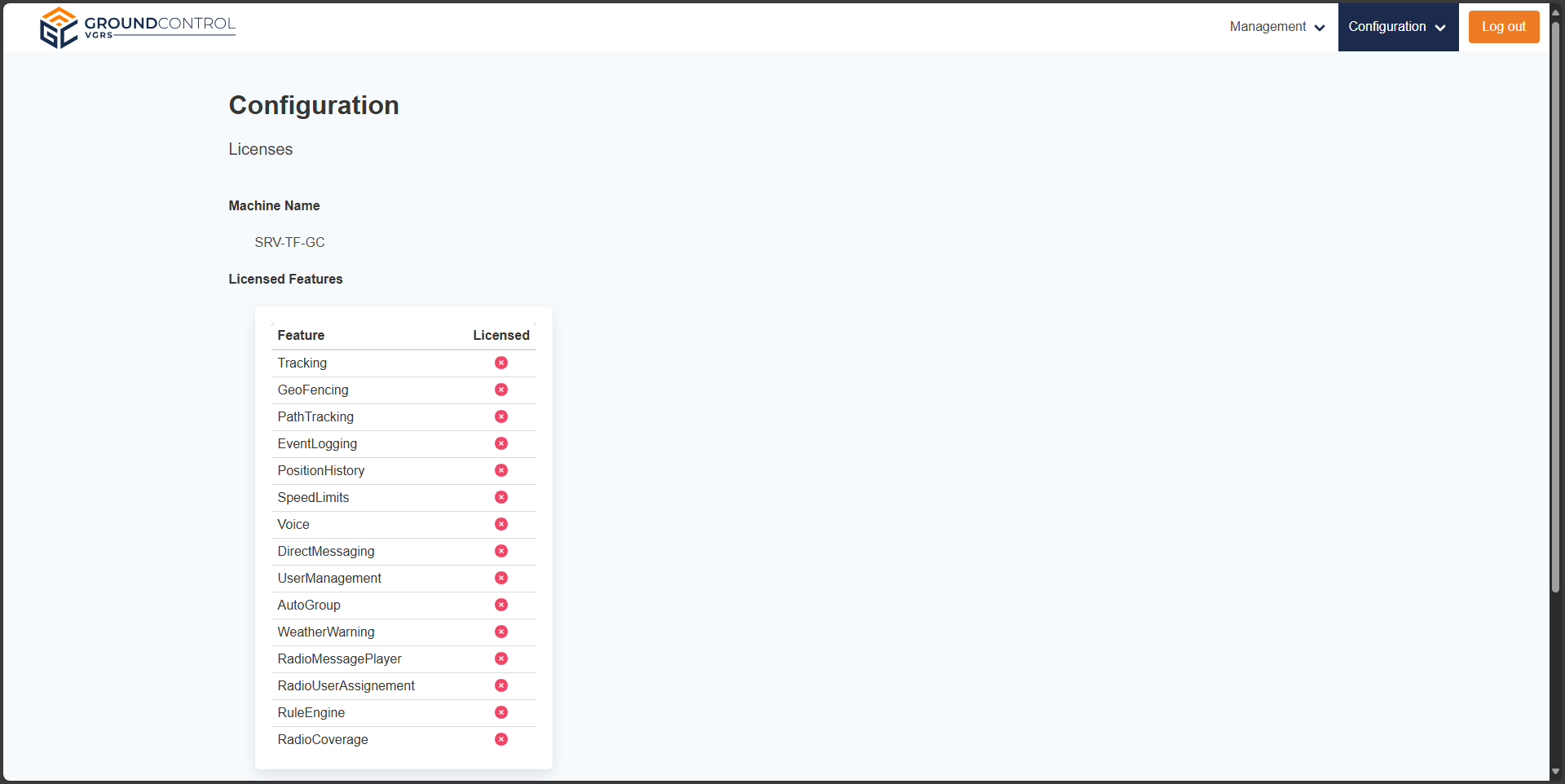
Licensing view (1/2) 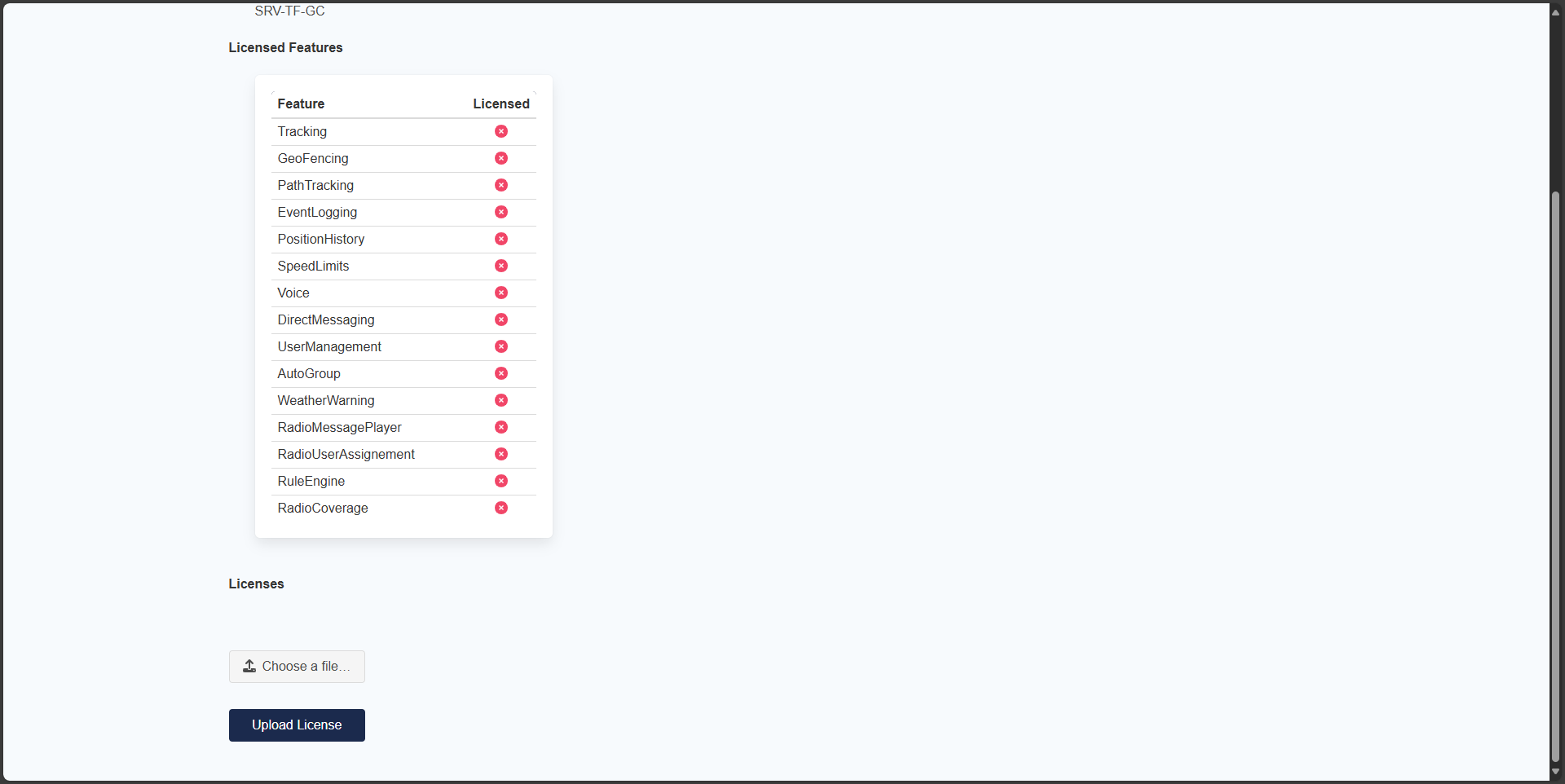
Licensing view (2/2)
Obtaining a License
The licensing page displays important information needed to obtain your license:
- Machine Name: A unique identifier for your installation
- Licensed Features: Overview of which features are currently available
To acquire a license:
- Note your Machine Name displayed on the licensing page
- Contact your vendor and provide them with your Machine Name
- The vendor will generate a license file specific to your installation
- Upload the received license file through the licensing interface
License Features
GroundControl VGRS uses a modular licensing system. The base installation includes core features, while additional modules can be licensed separately based on your requirements.
You can view all available and licensed features on the licensing page at any time by navigating to Configuration → Info → License.
Additional information on license features can be found in the Licenses section of the Configuration
Updating Your License
If you need to update or extend your license:
- Navigate to Configuration → Info → License
- Upload the new license file provided by your vendor
- The system will automatically apply the new license without requiring a restart